LP Player
Your local apps. One dashboard. Zero friction.
Free & Open Source
Your local apps. One dashboard. Zero friction.
Free & Open Source
If you're like me, you're probably downloading a new GitHub project or testing some app by a random developer pretty much every other night. That's how fast things move these days — from seasoned developers and new vibe coders alike.
It's difficult to keep track of it all. The launch settings, the dependencies, the virtual environments, the ports. Having to re-read the README every single time — or even remembering what apps you've already set up, what categories they fall into.
Ten tabs, ten projects, ten different directories. Which one was the backend again?
Was it npm run dev or pnpm start? Which venv was it? Time to re-read the README... again.
"Address already in use." The classic. Which zombie process is hogging port 3000 this time?
What apps do you even have? What's running? What categories? You shouldn't have to guess.
We need a nicer launcher.
Something that remembers every project, every command, every environment — so you don't have to.
Something that looks good doing it. Something that uses AI to handle the boring setup. Something that just works.
One dashboard. Every project. Hit play.
Say no more —
Say hello to LP Player.
One dashboard to launch, monitor, and manage all your local development apps.
Start any project with a single click. Instant search across all your apps by name, tags, or category. No more cd-ing into directories — just find it, hit play, and go.
Let AI read the README, detect dependencies, and configure your project automatically. Initial setup made effortless.
Live output streaming with full ANSI color support. Multiple tabs, one unified view.
CPU and memory usage at a glance. Know when your machine is struggling.
Auto-detects project type during setup and activates the right virtual environment — Python venv, Conda, Node.js — before launch. Zero config needed.
Detects port conflicts before you run. Click to open running apps in browser.
Vinyl record-inspired cards, smooth animations, dark and light themes, sepia filters — a design that makes managing projects actually enjoyable.
The dashboard you wish you had years ago.
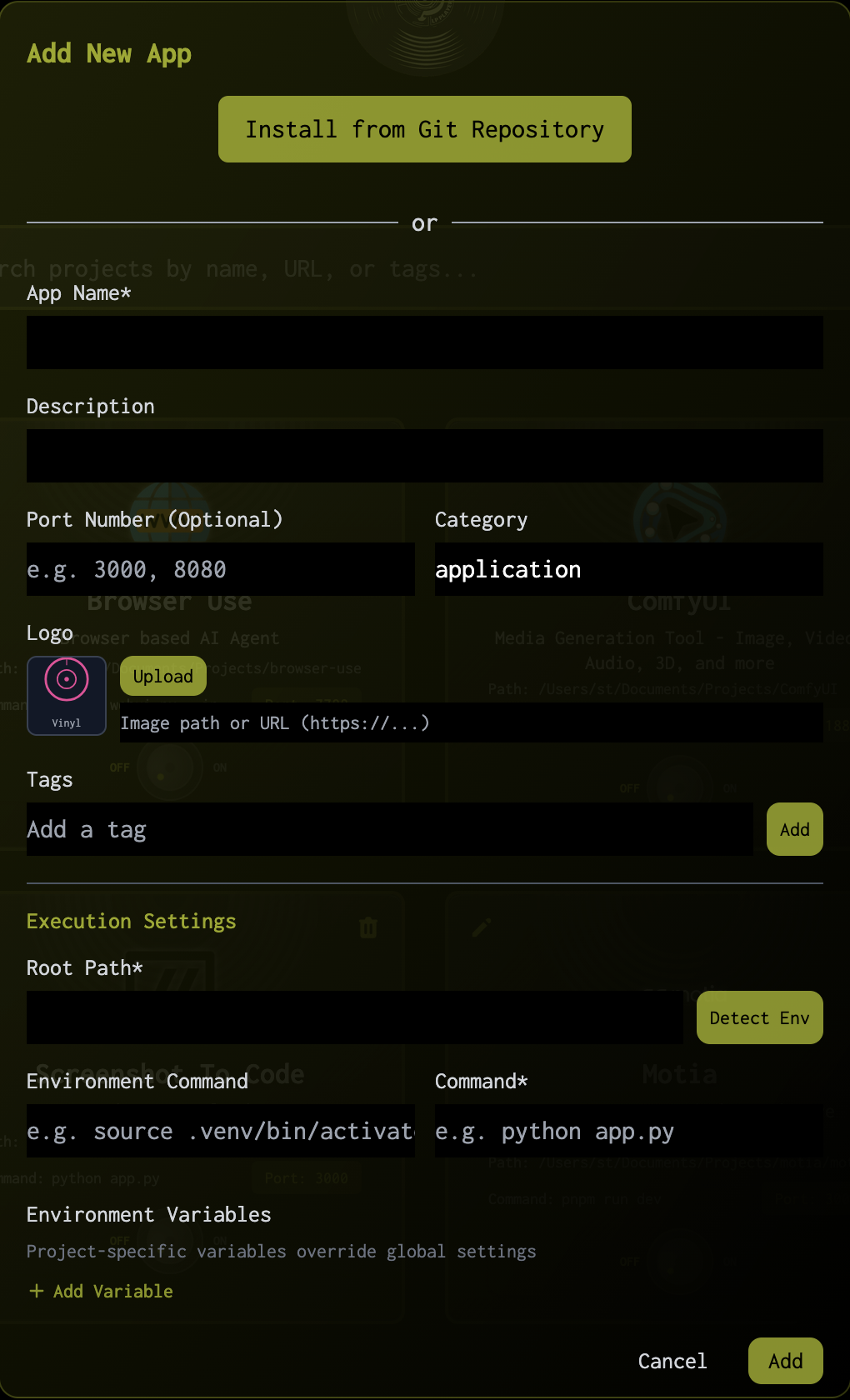
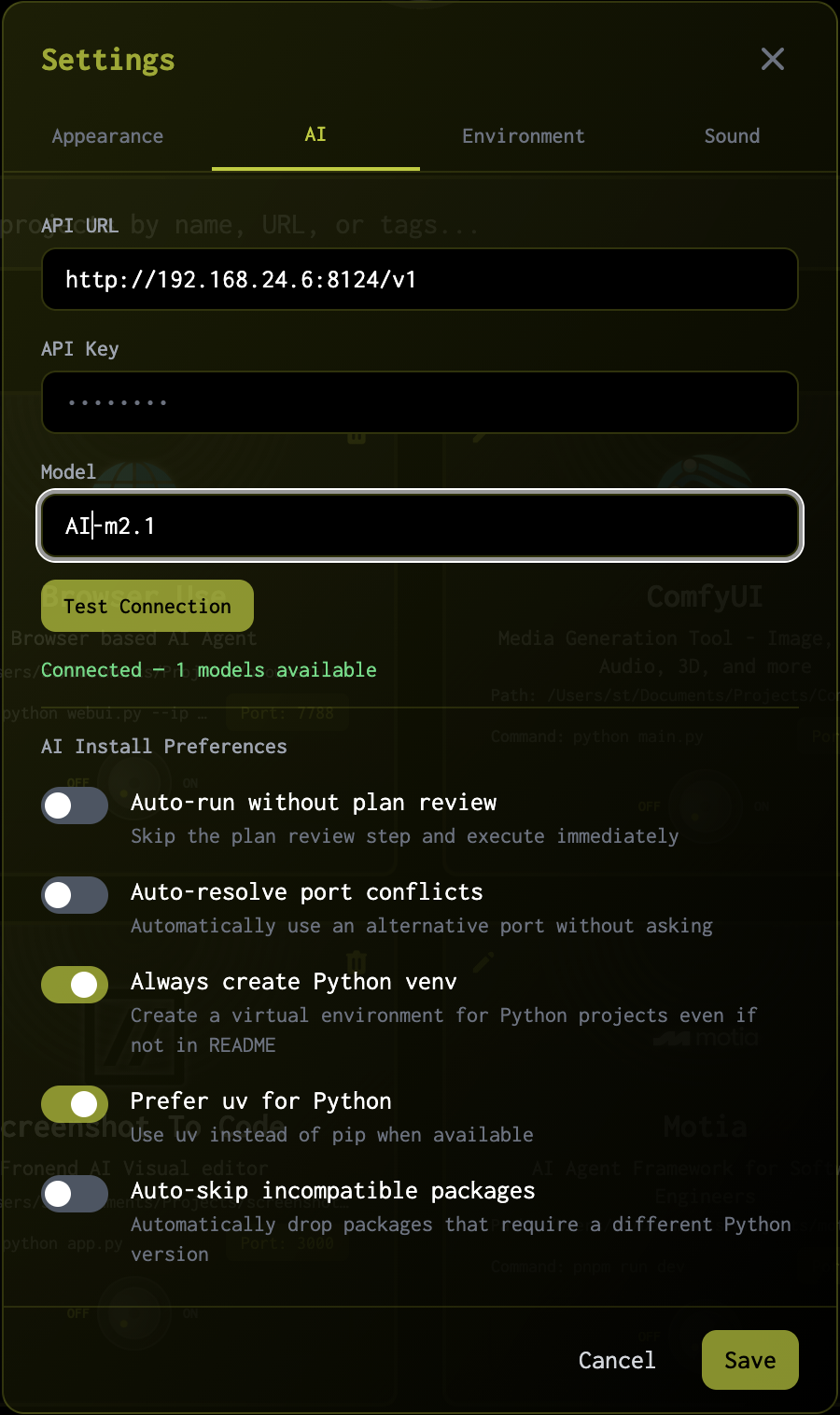
Point to a GitHub project. AI reads the README, detects the stack, installs dependencies, and configures everything — automatically.
Pick your favorite way. They all work.
Detected your system as
detecting...
Also available for
All releases hosted on GitHub Releases — fully transparent, no tracking.
LP Player is free and open-source software. No accounts, no tracking, no cloud dependency.
Your tools. Your machine. Your rules.